
1. Pick how you're playing
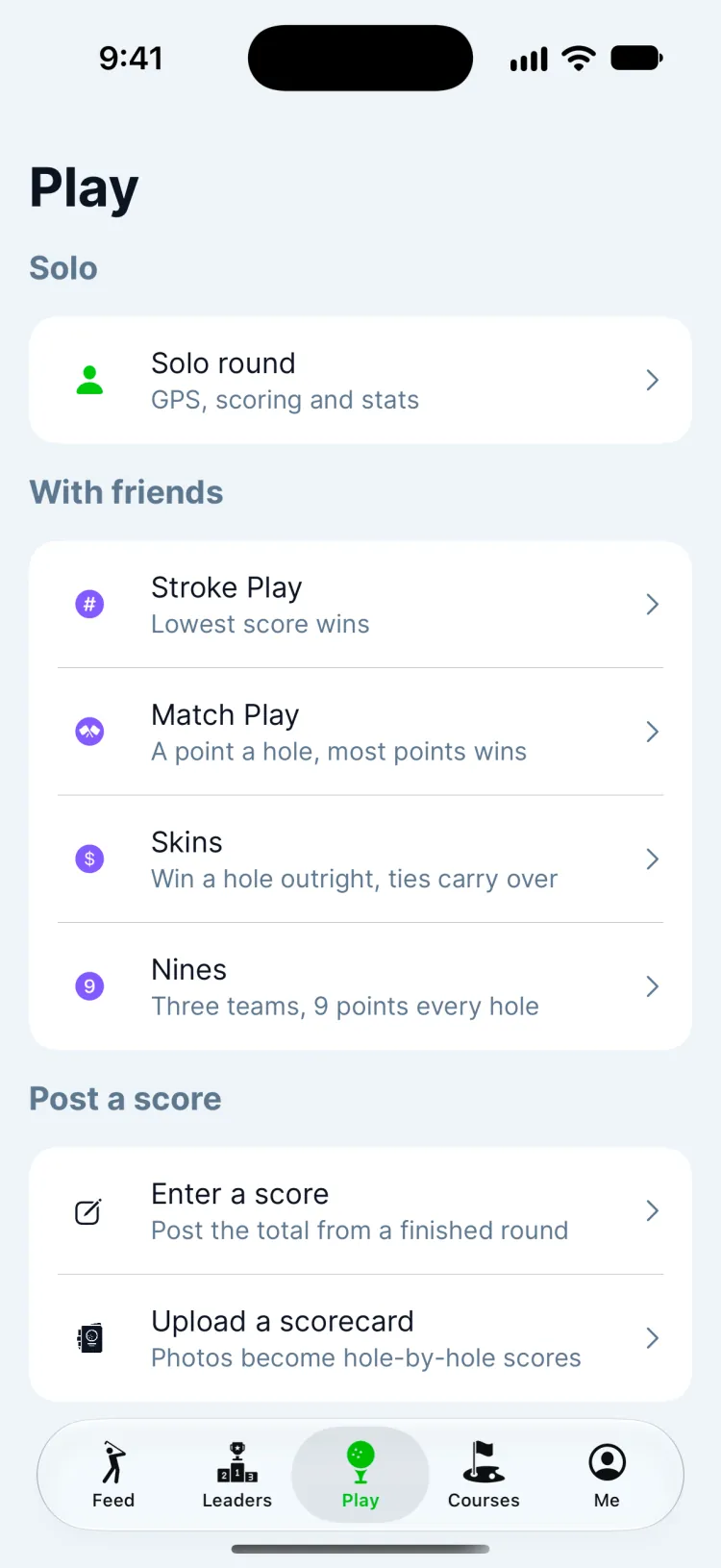
Open Play in the tab bar. Choose Solo round for your own round with GPS, scoring and stats, or one of the group games (Stroke Play, Match Play, Skins or Nines) to play with friends. Already finished? Enter a score posts a round after the fact.
2. Find your course
Search for the course by name or pick it from Nearby Courses. Greens has 13,000+ courses, with hole-by-hole GPS on most of them.
3. Choose tees, holes and where you start
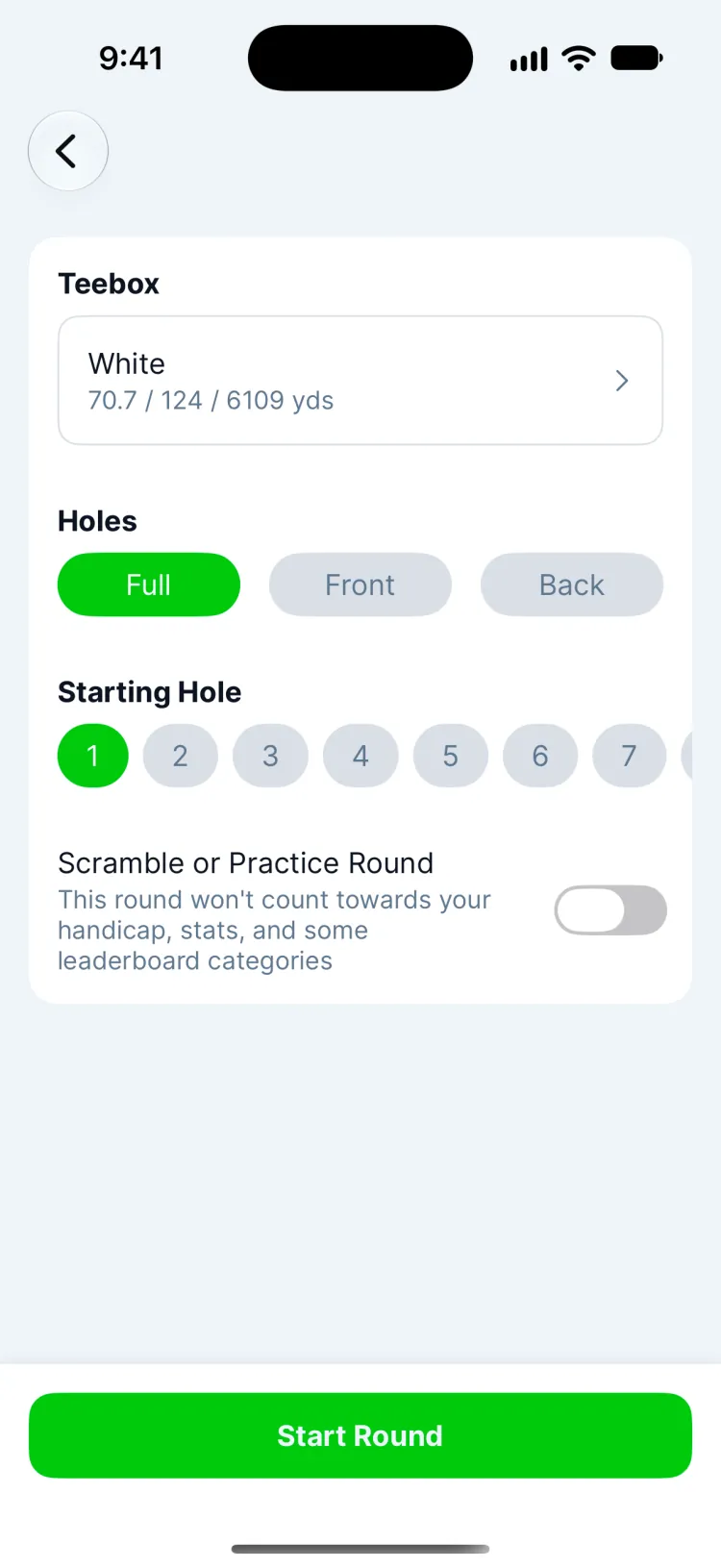
- Teebox: the tees you're playing. Each shows its yardage, rating and slope, which your handicap uses.
- Holes: all 18, the front nine or the back nine.
- Starting Hole: for a shotgun start or when the starter sends you off the 10th.
4. Practice round or the real thing
Turn on Scramble or Practice Round when the score shouldn't count: a scramble, hitting two balls, or a lesson. That round won't count toward your handicap, your stats or some leaderboard categories. Leave it off for a normal round.
5. Tee off
Tap Start Round. The first hole opens with the yardage to the green, and you're ready to keep score. Wearing an Apple Watch? Open Greens on it now and the round appears there too (Apple Watch help).
Updated November 12, 2026 by the Greens team.