
Keep scoring as normal
You don't need to do anything different when the signal drops. Enter each hole as usual, on your iPhone or Apple Watch. Greens saves the score on your phone first, then sends it.
What you'll see
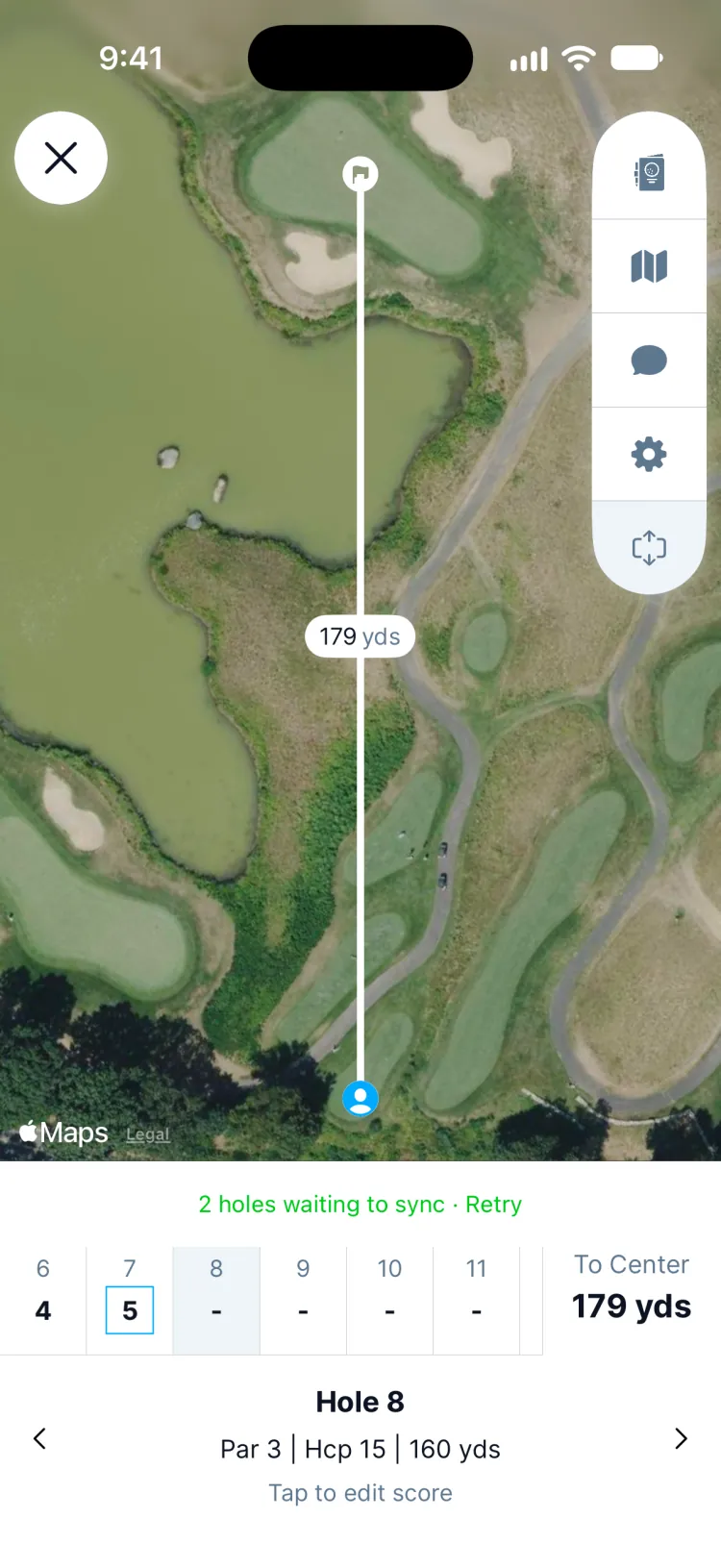
While scores are waiting, the round shows how many, such as 2 holes waiting to sync · Retry, and each of those holes is marked Not synced yet.
When they send
Greens keeps trying on its own: a few seconds after you score, then less often, up to every 5 minutes. It also tries straight away when your connection comes back, when you open the app and when you sign in. Tap Retry to send them right now, say when you walk back into signal by the clubhouse.
Updated November 13, 2026 by the Greens team.