
Where to find it
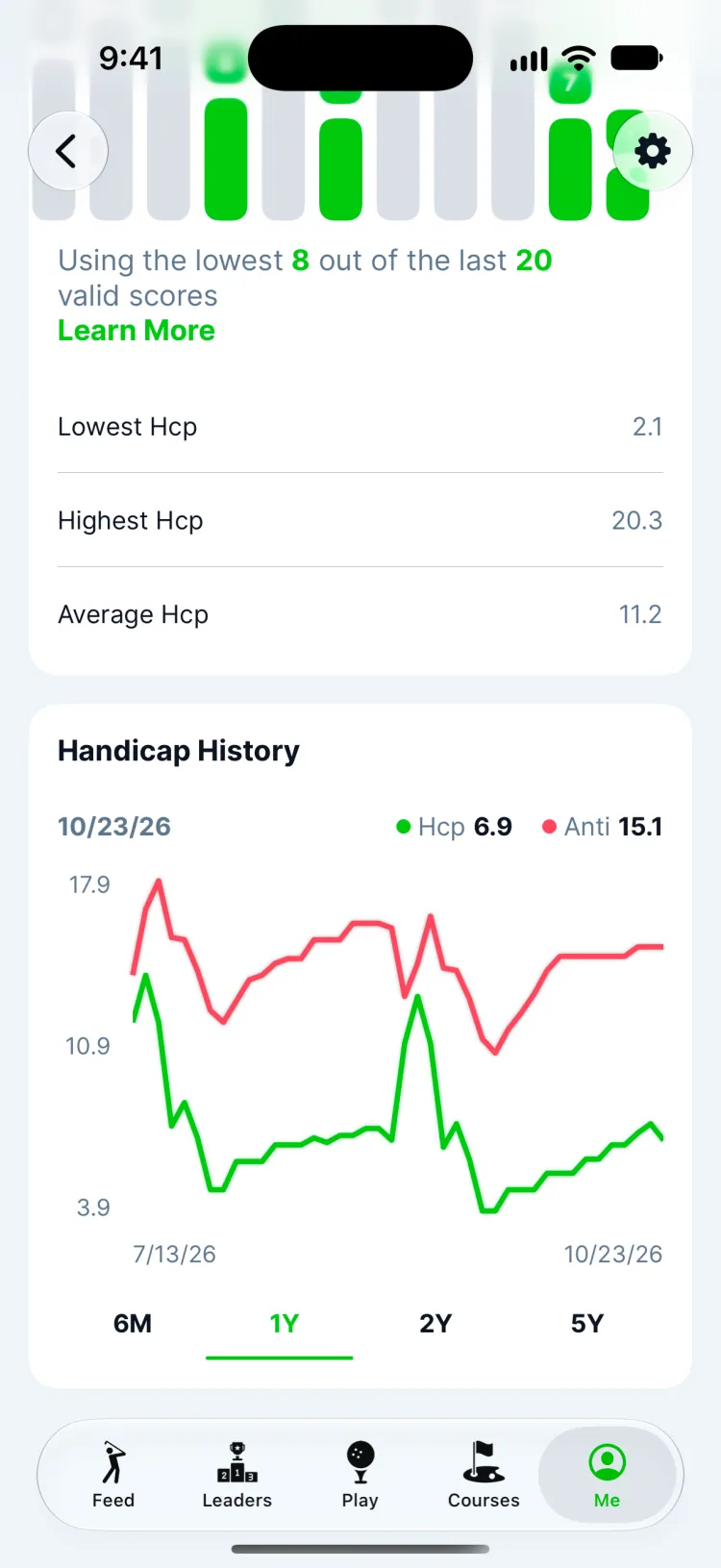
Open Me and tap your handicap. You'll see your current Greens handicap, a Handicap History chart over 6 months, 1, 2 or 5 years, and the rounds it's built from.
How it updates
Your handicap updates on its own every time you post a round in Greens; after you edit or delete one, it catches up within a day. It shows a number after your first 18-hole round, and it gets steadier with every round up to 20.
- It uses your latest 20 finished rounds in Greens and averages the best 8 of them.
- Each round is adjusted for the course and tees you played, using the tees' course rating and slope.
- A blow-up hole counts as no worse than net double bogey, so one disaster doesn't wreck your number.
- Nine-hole rounds count once you have a handicap.
- Rounds marked Scramble or Practice Round don't count.
The full method, with a worked example, is in how a golf handicap is calculated.
Anti handicap
Next to your handicap is your anti handicap: the same calculation run on your worst 8 rounds of the last 20 instead of your best. The gap between the two shows how consistent you are. A small gap means you're steady; a big one means there's a better round in you more often than you think.
Use your own handicap instead
New to Greens with a handicap already, or have an official one you'd rather use? Turn on Use my own handicap and enter it. Greens uses that number in your rounds and matches, keeps working out your Greens handicap alongside it, and you can switch back any time.
Updated November 12, 2026 by the Greens team.